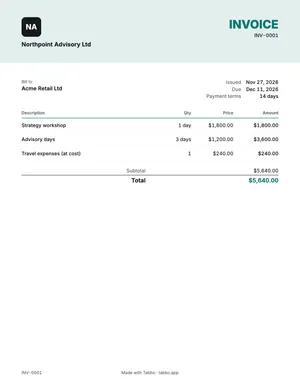
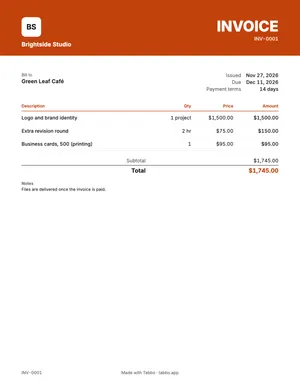
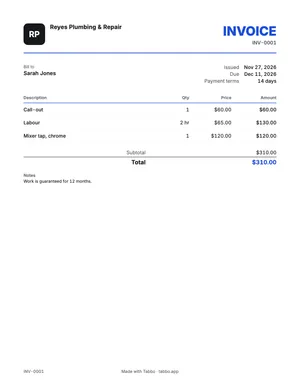
Need an invoice today?
While the app is in beta, make invoices and estimates for free on the web. Fill one in, pick a template and download the PDF. No sign-up.
Say what you did or sold and Tabbo writes the invoice. Send it as a link, see when it’s opened, and let polite reminders follow up until it’s paid.
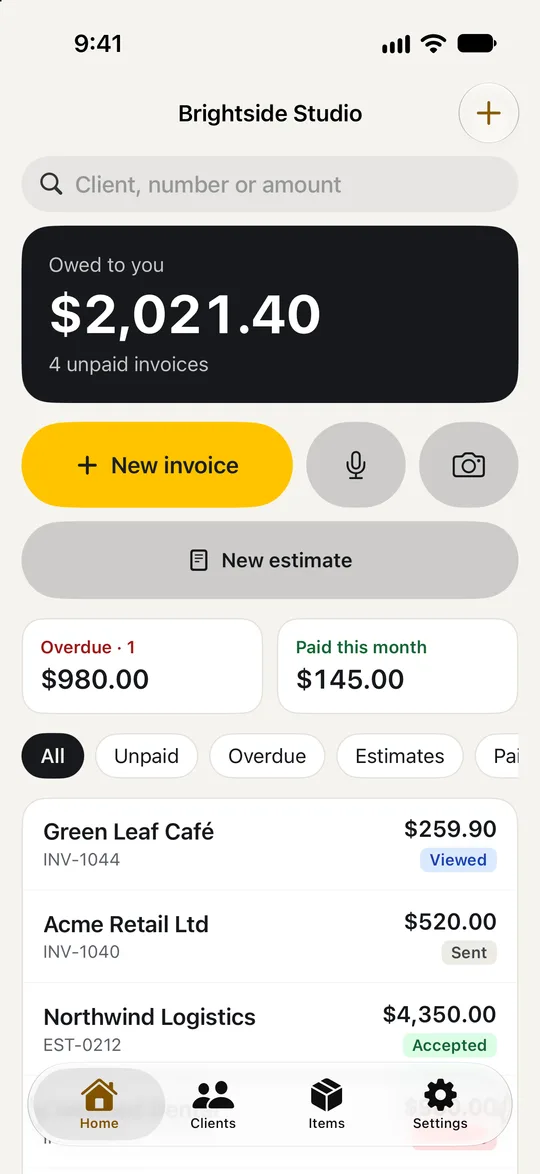
Talk, snap or import: Tabbo writes the lines, prices them from your saved items, and you check it before it goes.
“Menu design for Green Leaf Café. Two hours at sixty-five, and fifty printed menus at one twenty.”
Audio stays on your phone. Only the words are used.Tabbo picks the client, matches your saved items and prices, and says when it guessed.
Messy handwriting, crossed-out prices and faded receipts are fine. You check every line before it goes.
Works with PDFs from Invoice Simple, Invoice2go, Joist and most other apps. Your first 20 are free.
How to pay
Your client gets a clean page that opens on any phone. No app, no account, no login.
From “Brightside Studio via Tabbo”, with the PDF and a link. Replies come to you.
A notification the moment Green Leaf Café opens it.
Polite emails before and after the due date, in your client’s language, until it’s paid. No awkward calls.
Mark it paid and a thank-you goes out, with a link to leave you a Google review.
Send a quote that looks the part. Your client accepts it and signs on their phone, and it becomes an invoice in one tap.
The things you’d expect, and a few you wouldn’t, without the clutter.
The editor and the live PDF side by side, keyboard shortcuts, and Apple Pencil for signatures.
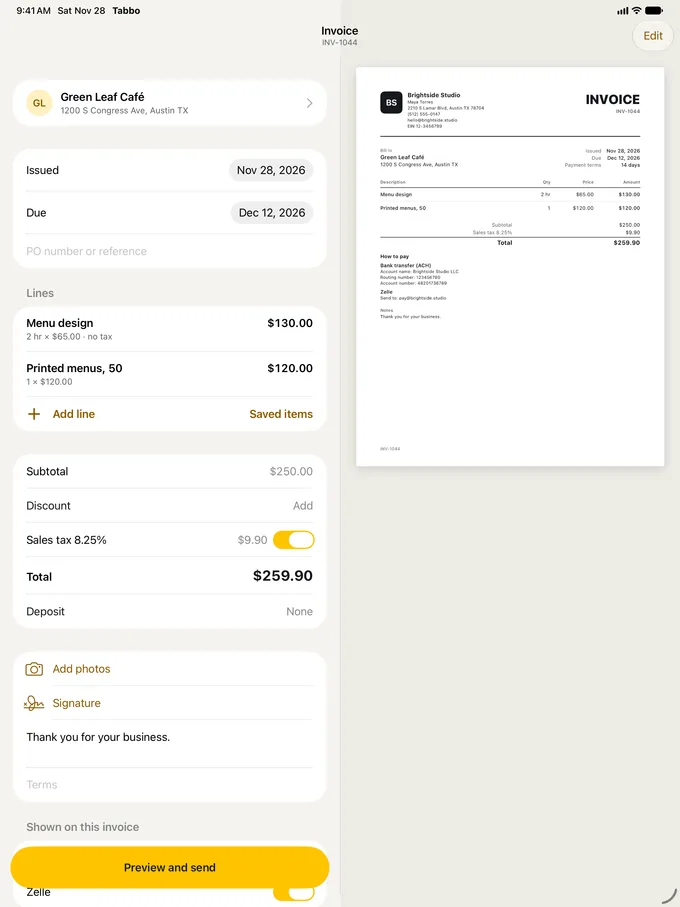
Classic, Modern, Bold and Compact, in your logo’s colour.
Enter what you paid; your markup is added.
Write invoices in a basement. Sends wait in an outbox and go when you’re back online.
Ask for part up front.
Your numbers stay yours, even when you hand someone your phone.
All your PDFs and a spreadsheet of everything, any time, paid or not.
Your legal name, company number and VAT number on every invoice. Your client’s PO number, contact person and VAT number, and payment terms their accounts team expects.
Use the app in your language, and send each client invoices, links and reminders in theirs. Right-to-left included.
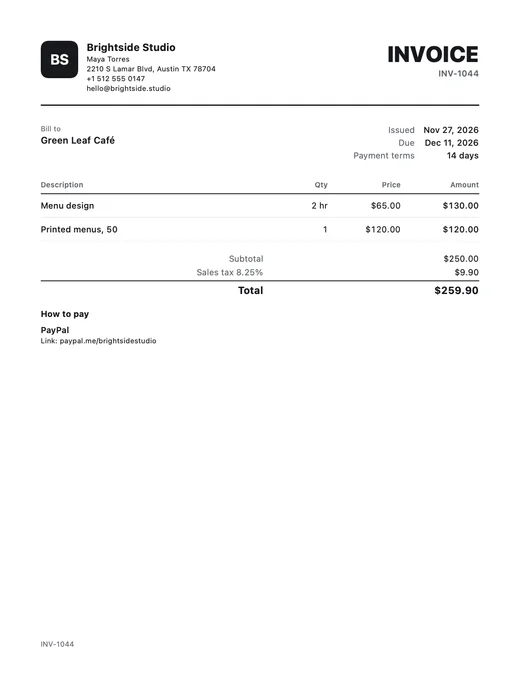
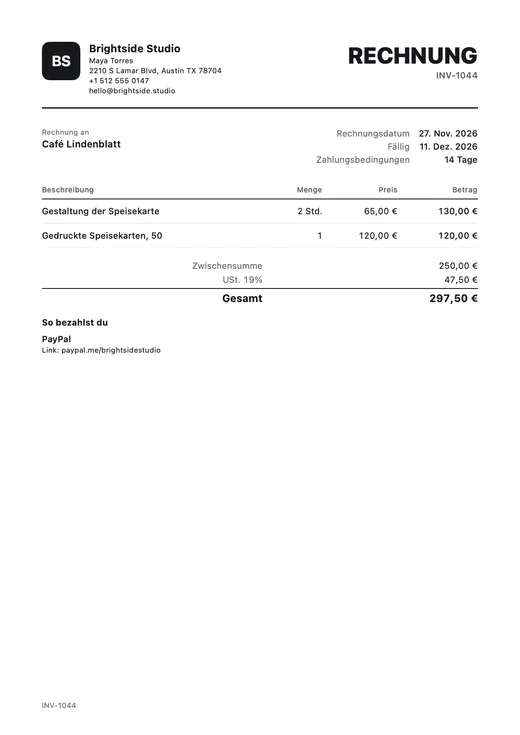
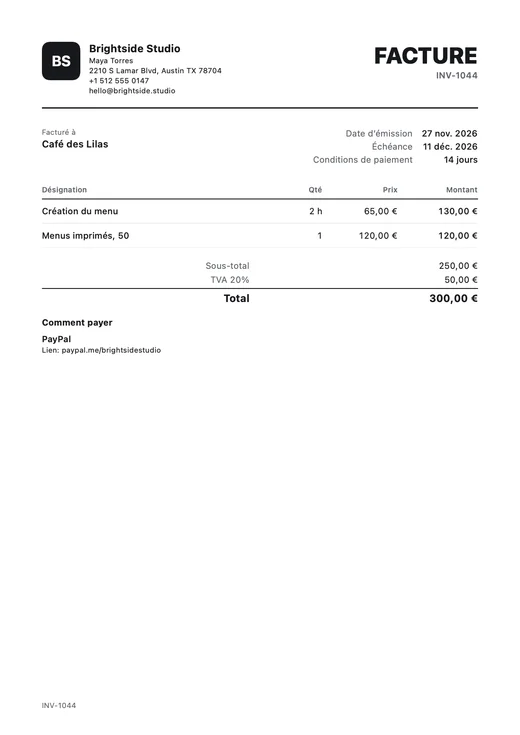
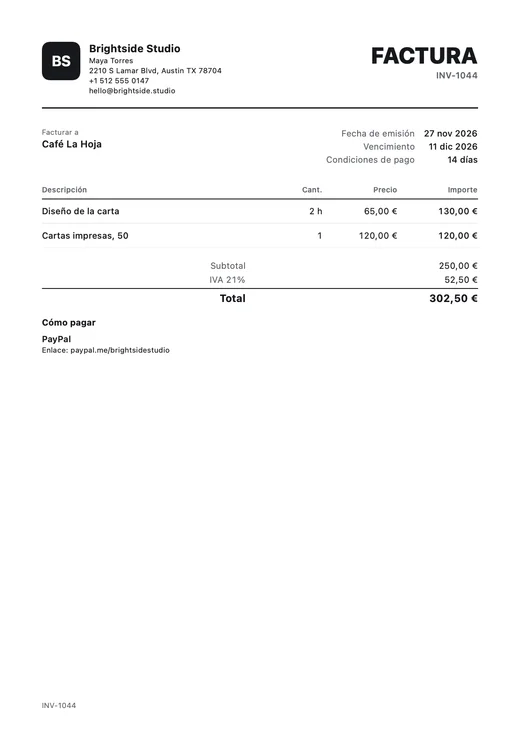
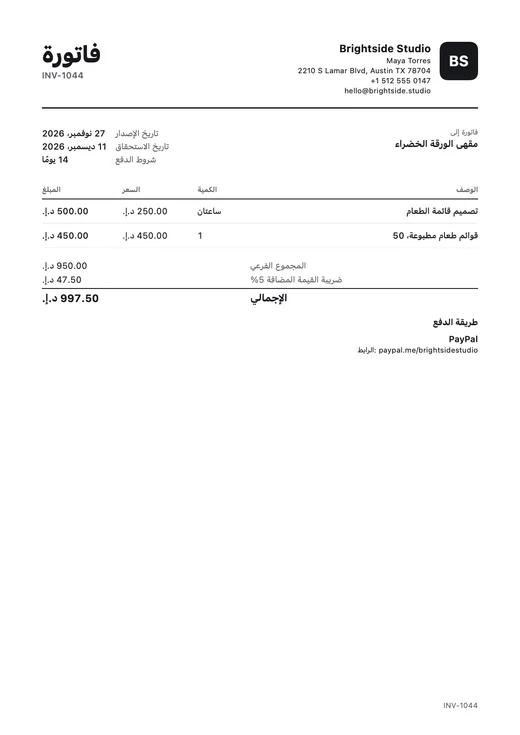
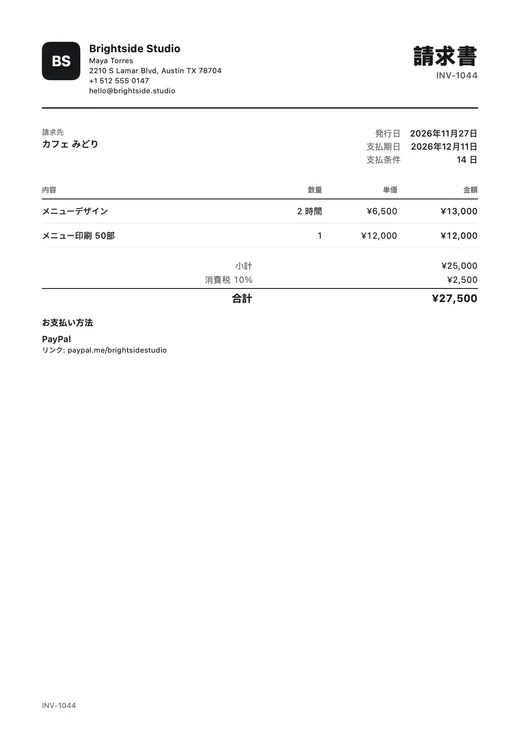
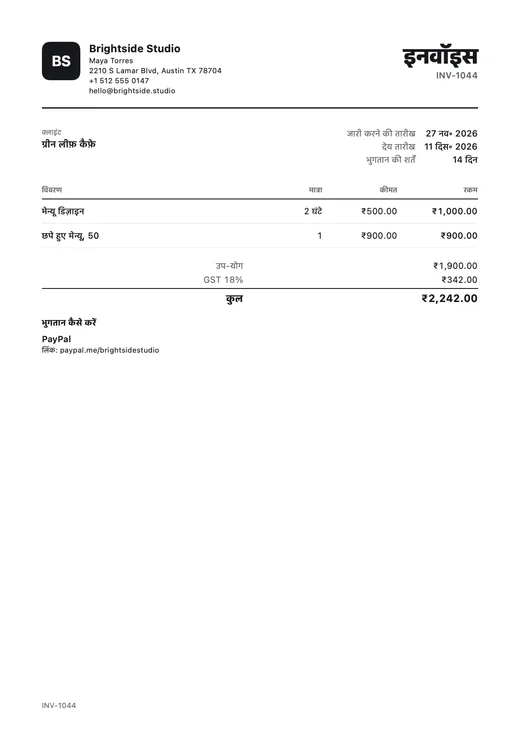
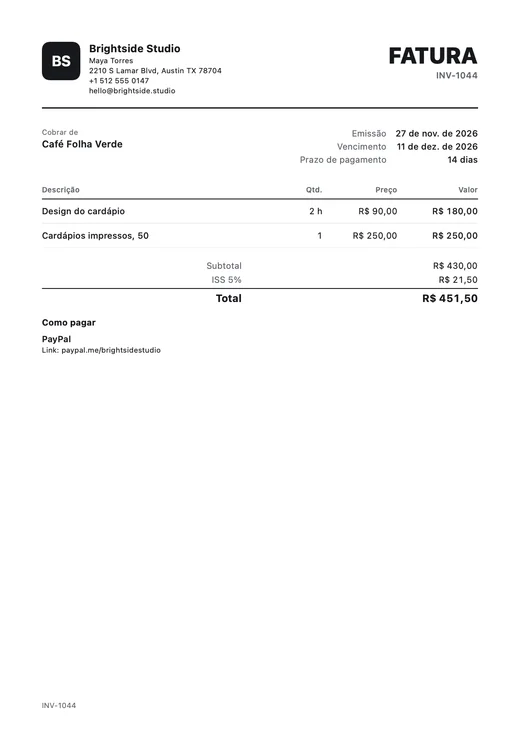
While the app is in beta, make invoices and estimates for free on the web. Fill one in, pick a template and download the PDF. No sign-up.
Start free, with no card. When you’re ready, one plan unlocks everything, and the price you join at is yours for as long as you stay.
Prices in US dollars. The App Store shows your local price.
Yes, for good, with no card: send 3 invoices or estimates a month, with unlimited clients, items and drafts and 5 AI actions to try Speak and Snap. Pro adds unlimited sending, automatic reminders and follow-ups, and 300 AI actions a month.
No. They get an email or a link that opens on any phone or computer, with the invoice, how to pay you and the PDF. Estimates can be accepted and signed right there.
Yes. Share PDFs from Invoice Simple, Invoice2go, Joist or most other apps, and Tabbo sets up your business details, clients, items, prices and numbering. Your first 20 PDFs are free on any plan.
Speech is turned into text on your phone, and the audio never leaves it. The text, or a photo you choose, goes through our server to an AI service to write the lines, and isn’t used to train AI. AI is optional: you can turn it off and do everything by hand.
Your invoices, clients and items stay yours. You can still open everything and export it all as PDFs and a spreadsheet, at any time.
Tabbo starts on iPhone and iPad. Android and a web app, with the same account and data, follow. Free invoice and estimate generators already work in any browser.
Any currency and any tax rate, with Letter or A4 paper. UK VAT and Australian GST invoices get the details the rules ask for.
If you bill clients, yes: trades and home services, freelancers, agencies, shops and small companies. Bill for services or products from your saved items, and put your legal name, company number and VAT number, and your client’s PO number, on every invoice. For now one person does the invoicing; accounts for teams come later.
The beta opens soon on iPhone and iPad. Leave your email and we’ll send you an invite. Nothing else.
Made by Epic Global, whose apps have reached more than 10 million people.