Contractor estimate template
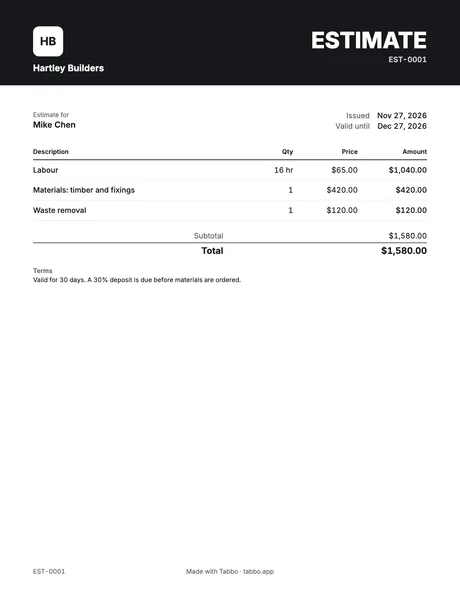
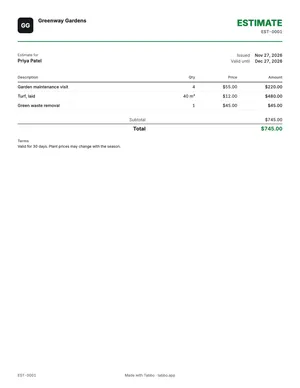
A contractor’s estimate is what the client signs before work starts. This template sets out labour, materials and waste removal, with a deposit to order materials.
- Free
- No sign-up
- PDF in seconds
What to put on a contractor estimate
- The job address and the work to be done
- Labour and materials on separate lines
- What’s not included, such as permits or making good
- The deposit to order materials, and how long the price holds
Questions
Is it really free?
Yes. Make and download as many invoices and estimates as you like, with no sign-up and no watermark beyond a small “Made with Tabbo” line.
Where are my details kept?
Only in this browser, on this device. Nothing you type is sent to us. Clearing your browser’s data removes it.
Can I send it from here?
Download the PDF and attach it to an email. To send invoices as a link, see when they’re opened and have reminders chase late payers, use the Tabbo app.
What’s the difference between an estimate and an invoice?
An estimate (or quote) is the price you offer before the work or the sale. An invoice asks for payment once it’s done.
Can I add my logo and company details?
Yes: your logo, your legal name, company number and registered office, your VAT number and your client’s, and their PO number.
Tabbo sends your invoice as a link, tells you when it’s opened, and sends polite reminders until it’s paid. Coming soon to iPhone and iPad.
Join the beta